Jumping People and White Cubes

1 pages Page 1
Jam Jar
Jam Jar
Krytan Explorer
#1
Sometimes when I run GW, I get this very strange glitch possibly a faulty game. Every once in a while, NPCs such as henchmen would keep jumping forward. They would just keep jumping. Even when I make them run to a certain area, they would keep jumping along. I am positively certain that this has nothing to do with the /jump emote.

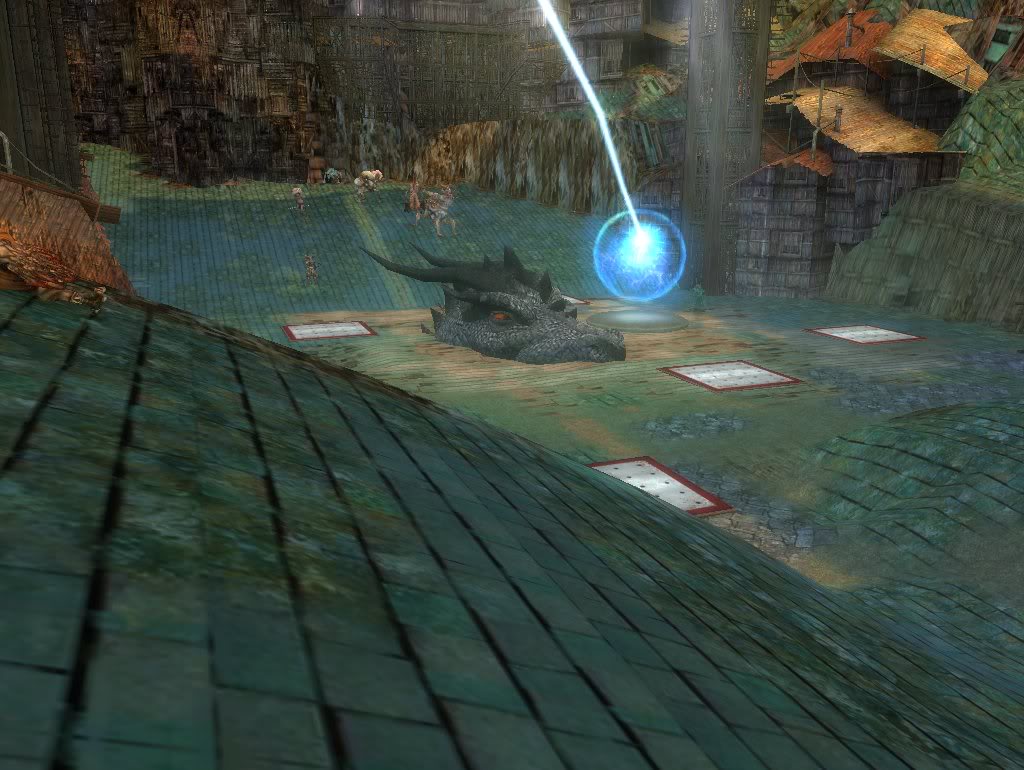
Also, sometimes when I play, normal players are viewed as white cubes/boxes/rectangular prisms. I can't see who they are, their clothes, they're just white boxes.

And lastly, mysterious monsters pop up. I was running around one time when a spider suddenly appeared in the middle of nowhere. No indicator on the minimap said it was there, but I couldn’t attack either. It happened at several different places as well.

I'm pretty sure it's not a graphics card problem and probably something wrong with my GW files. Because when this happens I rest my computer, and the problems usually stop. It won't happen again until a while later.

I was just wondering if any of you could explain this...
Brianna
Brianna
Insane & Inhumane
#2
It sounds like your .Dat is corrupted honestly, I'd delete it and re-download all the Guild Wars files again.
GaaaaaH
GaaaaaH
Krytan Explorer
#3
would the -image command work here?
Brianna
Brianna
Insane & Inhumane
#4
Hmm.. well as I said before, if the files are corrupted then that explains a lot of malfunctions in textures, and stuff.

That spider incident he mentioned can only possibly be a corrupted file, there's no way in hell that'd happen any other way, I highly doubt that would be a server glitch.

But yes if you wish you can use -Image on your existing .dat file, but it won't replace old files, if you wish to replace old files you can go to the Guild Wars directory and delete the .dat file, then -image it and get all new fresh files.

I'd honestly recommend this to the OP, I highly doubt it's your graphics card/drivers, I'm 99% positive re-downloading the files will fix this.
E
Evil_Mystery
Frost Gate Guardian
#5
I have the same problem with the jumping people. With me some foe's i kill even keep standing. Gonna try to fix it with re-downloading.
tijo
tijo
Jungle Guide
#6
Just re-downloading has a small chance to work, but be prepared to have to delete your .dat file and download a new one. That's what i had to do when i got the jumping NPCs problem. If you have a friend playing GW, it would probably faster to burn a copy of his .dat file and transfer it to your computer, you will loose your video, keyboard and audio settings if you do that though since they are stored in the .dat file.
Brianna
Brianna
Insane & Inhumane
#7
Quote:
Originally Posted by tijo
Just re-downloading has a small chance to work, but be prepared to have to delete your .dat file and download a new one. That's what i had to do when i got the jumping NPCs problem. If you have a friend playing GW, it would probably faster to burn a copy of his .dat file and transfer it to your computer, you will loose your video, keyboard and audio settings if you do that though since they are stored in the .dat file.
Actually this is false, the keyboard settings are stored into the account - as far as the Video and Audio settings go, I can't confirm that, but yeah. Also user interface changes are account based too, but as far as I knew as long as you didn't change computers then your audio/video settings will always remain the same.

Indeed copying it from a friend is faster, but if you let it run over night it should be done in the morning.
pamelf
pamelf
Forge Runner
#8
Just got this problem myself last week...I reinstalled my corrrupted .dat file, and imaged everything...fixed it for a day then came back. What would be causing my .dat file to keep corrupting and causing the same bug?

Just some screenies as illustration


Morgahnn is a white cube, and all the nobles and anyone using that same skin start jumping around...I also get a few merchants of the same skin doing it too...
D
Dark Kal
Krytan Explorer
#9
Quote:
Originally Posted by pamelf
Just got this problem myself last week...I reinstalled my corrrupted .dat file, and imaged everything...fixed it for a day then came back. What would be causing my .dat file to keep corrupting and causing the same bug?
Damaged/Failing harddrive, bad sectors.
[Morkai]
[Morkai]
Jungle Guide
#10
Quote:
Originally Posted by Dark Kal
Damaged/Failing harddrive, bad sectors.
Possibly.

I've had both of the afore mentioned problems occur to me, usually the white cubes start after GW is on too long, i just repair and im good to go.

Since i re-installed to my new HDD, not had either problem. (Or any related to GW to be exact.)

It was a Maxtor, maybe yours is, or is in a similar state.

Re-installing never took away the jumping though, it just randomly went after like 4 re-installs. ._.

Good luck, i highly reccomend re-installing to a new HDD.
D
Dark Kal
Krytan Explorer
#11
Jumping/teleporting doesn't have to do with the .dat file only the white cubes do. Jumping/teleporting has to do with your internetconnection particularly when it's slow.
moriz
moriz
??ber t??k-n??sh'??n
#12
there's a difference between "jumping", as in npcs don't appear to move but teleport around, and "/jumping", as in repeating the /jump emote over and over again.

the first one is usually caused by bad connections or client/server desyncs (which happens if you alt-tab out of the game for too long). the second one can only be explained by a bad .dat file.
pamelf
pamelf
Forge Runner
#13
Quote:
Originally Posted by Dark Kal
Jumping/teleporting doesn't have to do with the .dat file only the white cubes do. Jumping/teleporting has to do with your internetconnection particularly when it's slow.
It's not jumping as in lag or rubber banding...It is quite literally every NPC with the Vabbian Noble skin will be jumping. The best way to describe it is as the above poster said, like a /jump emote. They take a flying leap forward, almost as if attacking. It is in cutscenes, outposts, explorable areas...everywhere.

I don't think it is a corrupted hard drive, but I do know it's a corrupted .dat. Does anyone know if there's a force repair without re-installing? Frankly 4gig of download is too much for me to re-download all the data atm. I know if it becomes corrupted enough it will repair itself...maybe I'll just have to wait till then.
g
guitarfreak192002
Lion's Arch Merchant
#14
I have the exact same problem you are mentioning, had it for months now. Randomly NPC's will just jump forward and keep doing it all the time. It doesn't happen with everything but randomly it will do it. Enemies too do this sometimes and when I kill them they stay standing but don't attack or anything.
SnipiousMax
SnipiousMax
Perfectly Elocuted
#15
Redownloading the .dat will fix this (speaking from experience). It's also a good idea to make a backup (of the .dat) so you won't have to download much if it happens again.
pamelf
pamelf
Forge Runner
#16
I might need to do that for next time... At the moment it's just a minor annoyance, but when 4gig download won't hurt my bandwidth usage for the month so much i might need to redownload. Too bad you can't just redownload bad sectors.
D
Dark Kal
Krytan Explorer
#17
Quote:
Originally Posted by pamelf
I don't think it is a corrupted hard drive, but I do know it's a corrupted .dat. Does anyone know if there's a force repair without re-installing? Frankly 4gig of download is too much for me to re-download all the data atm. I know if it becomes corrupted enough it will repair itself...maybe I'll just have to wait till then.
The -repair command line argument forces GW to repair the .dat file.
http://wiki.guildwars.com/wiki/Command_line

How exactly do you know your hard drive isn't corrupted?
pamelf
pamelf
Forge Runner
#18
Quote:
Originally Posted by Dark Kal
The -repair command line argument forces GW to repair the .dat file.
http://wiki.guildwars.com/wiki/Command_line

How exactly do you know your hard drive isn't corrupted?
Thanks for the tip...

I don't know exactly about my hard drive, thus I said I didn't think it was...It's a seagate and only a few months old. If it is corrupted I'll just exchange it as it's still under warranty. Still nothing else stored on that hard drive (all games) has any problems...just GW.
zamial
zamial
Site Contributor
#19
I would suggest doing a chkdsk and a scan disk. These can take a long time to run depending on hardware and disk size. Between xp and vista there are diffwerent ways to this so google is your freind.
I am also going to point out the flawed logic that "it can not be the hard drive because it is new" if this was the case RMA would not exsist. Also the "only guild wars has this problem", It could be that the area that GW is wrote to on the harddrive is bad.
pamelf
pamelf
Forge Runner
#20
Quote:
Originally Posted by zamial
I am also going to point out the flawed logic that "it can not be the hard drive because it is new" if this was the case RMA would not exsist. Also the "only guild wars has this problem", It could be that the area that GW is wrote to on the harddrive is bad.
Thus again I didn't THINK it was my hard drive. i never discounted it, i simply said that's not the first place i'd look for the problem without exhausting all my other possibilities...

Besides, as other people also have this problem it seems highly unlikely that we ALL have bad sectors in our hard drive exactly where gw is stored causing the exact same graphical anomaly....